
The Reservations Today widget gives you a centralized view of all active reservations directly from your dashboard. Use it to monitor in-house and payment statuses, check guests in or out, print or email letters, add charges, and process payments — all in one place.
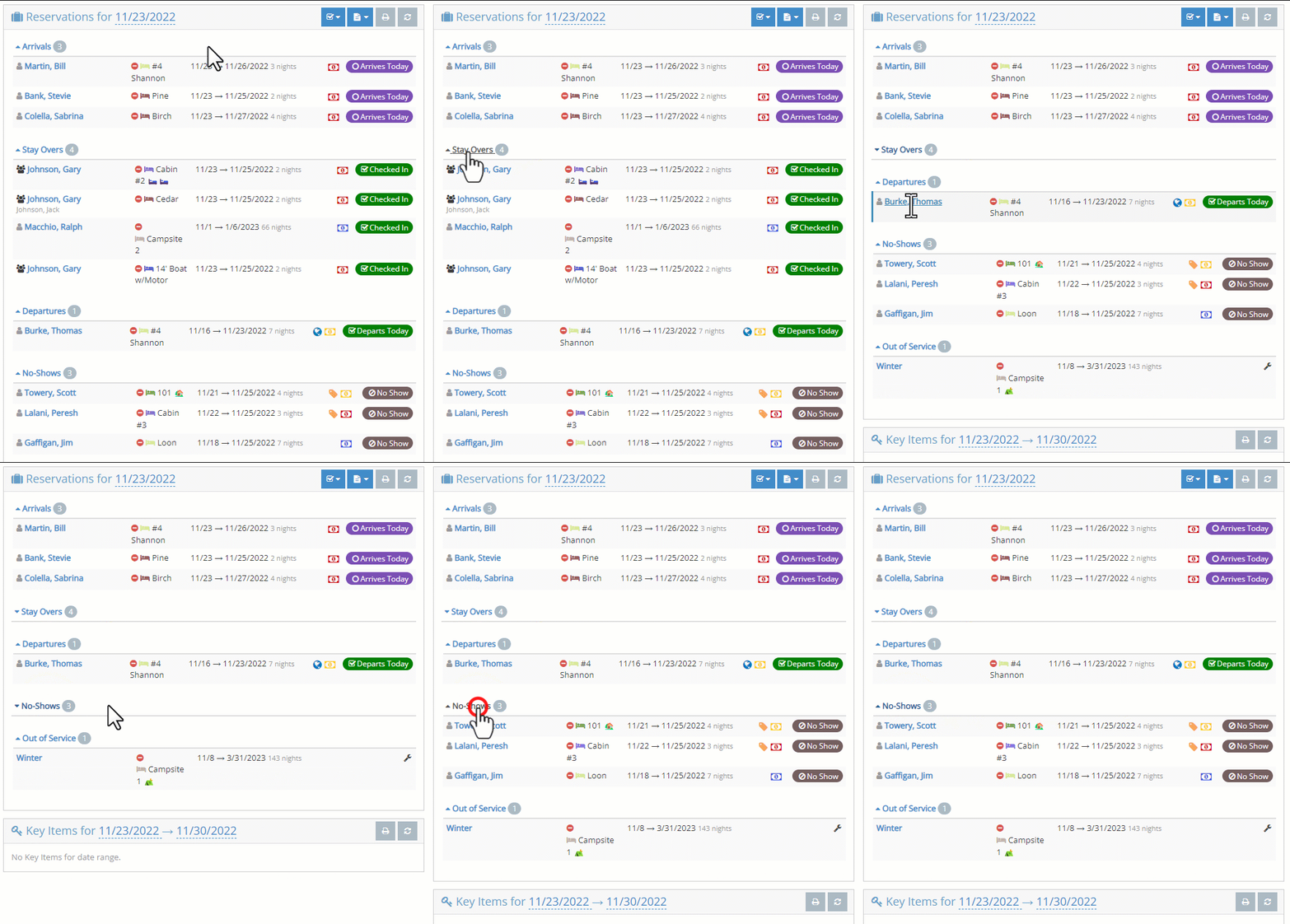
On initial display, the Reservations Today widget shows all reservations and out-of-service activity for the current day. "Out-of-service" refers to units that are temporarily unavailable (e.g., under maintenance or blocked). At a glance, this includes:
- The Reservation and Guest name
- The Unit(s) the guest is occupying and the clean/dirty status (if you use the clean/dirty feature)
- The arrival, departure, and number of nights
- Icons to indicate whether the guest has important tags, their payment status, and their in-house status. (Icon colors or symbols vary by status — refer to the icon legend within the widget for details.)
- The sections are also collapsible/expandable to allow you to focus on what's most important for the task at hand.
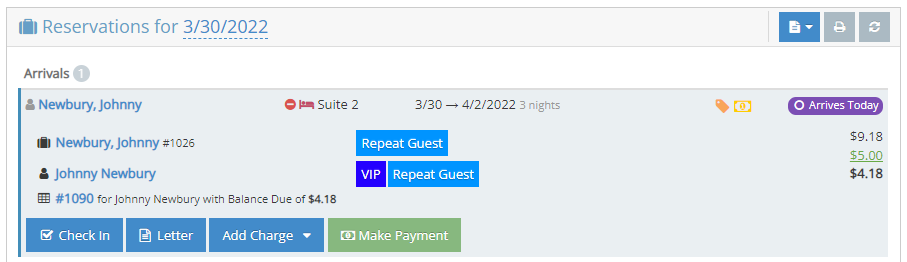
To view more information and interact with a reservation, click/tap the reservation to expand it and expose more details and options:
- The full name of the reservation, the important reservation tags, and a link to view the full reservation
- The name of the person, the important person tags, and a link to view the full person
- The invoice number associated with this reservation unit assignment, a summary of the charges, payments, and balance due, and a link to view that invoice
- Buttons to allow:
- Check-In/Out
- Generate Letters and Emails
- Add Charges (POS, Package, and Gift Certificates)
- Make Payments and/or Pre-Authorize credit cards (if you use integrated credit card processing)
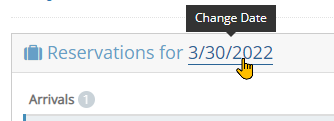
The Reservations Today widget can be changed to show reservations for any day. Today's date is shown in the dashboard with a dashed underline display - this indicates that the date can be changed. Click/Tap on the date and choose a different date to view all the reservations and out-of-service activities on that day.
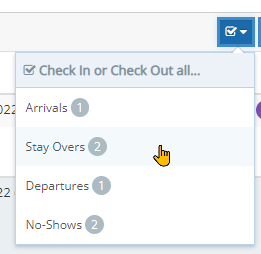
The Reservations Today widget also provides the following toolbar options:
- A Quick Check In/Check Out option to quickly update the status of many reservation assignments all at once

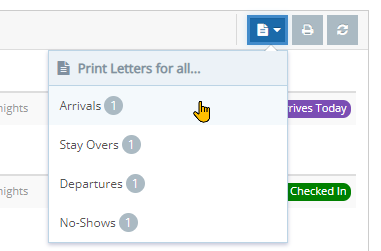
- A quick way to batch or bulk print/email letters for all or some of the reservations within the widget

- Print the contents of the widget itself (as shown on the screen)

- A Refresh button to update the contents of the widget (if something seems missing)
